Channel Guide
Prerequisites: Before creating a channel, you must have:
- A GoChain account and organization — Getting Started
- At least one Business Group with two or more organizations — Business Group Guide
- At least one peer node and one orderer node in your organization — Node Guide
For information about supported channel operations and platform capabilities, see Platform Technical Overview.
ℹ️ Note: This is a quick-reference guide. For the full step-by-step GoFabric Channel guide including the channel dashboard, adding organizations and nodes, and governance details, see GoFabric Channel Guide.
Proposing a Channel Creation
Blockchain management is collaborative, and creating a channel is no different. To create a channel, you need to propose a channel creation to the other organizations in your Business Group. If you'd like to know more about governance and Business Groups, please refer to the Business Group Guide.
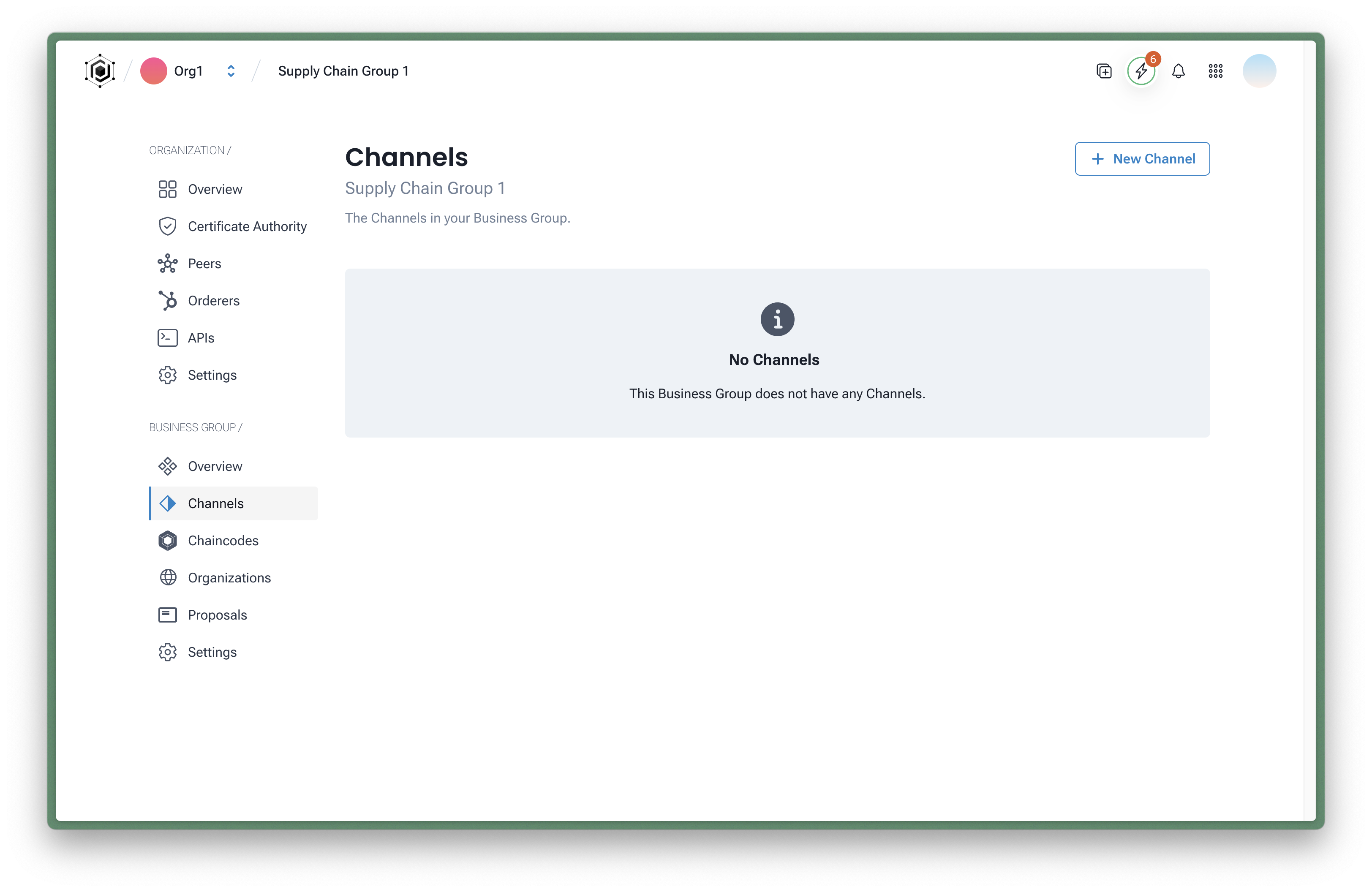
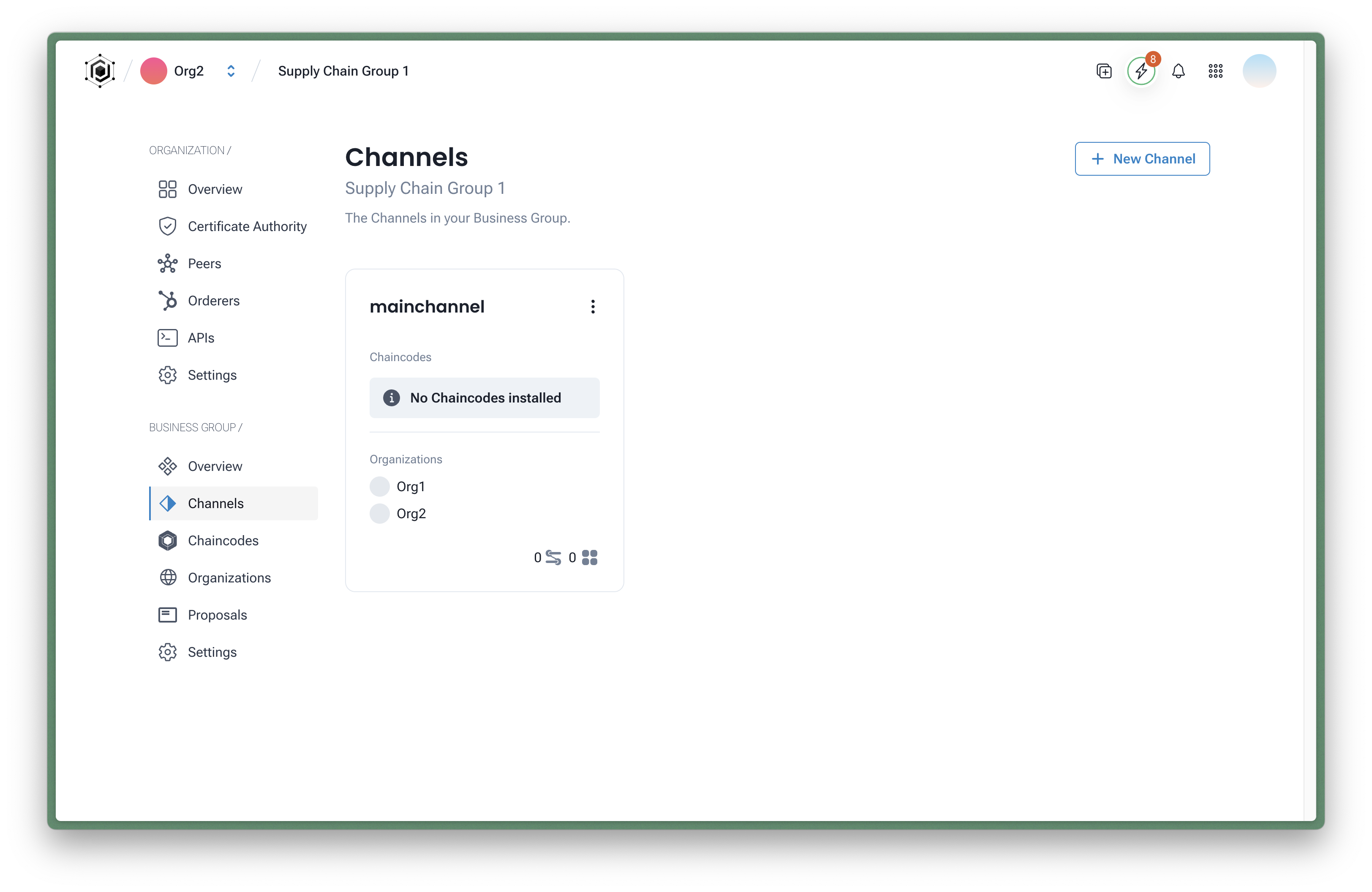
To create a channel, navigate to your Business Group page and click on the Channels option on the sidebar. If your Business Group is new you should see no channels created yet. Click on the New Channel button to create a new channel.
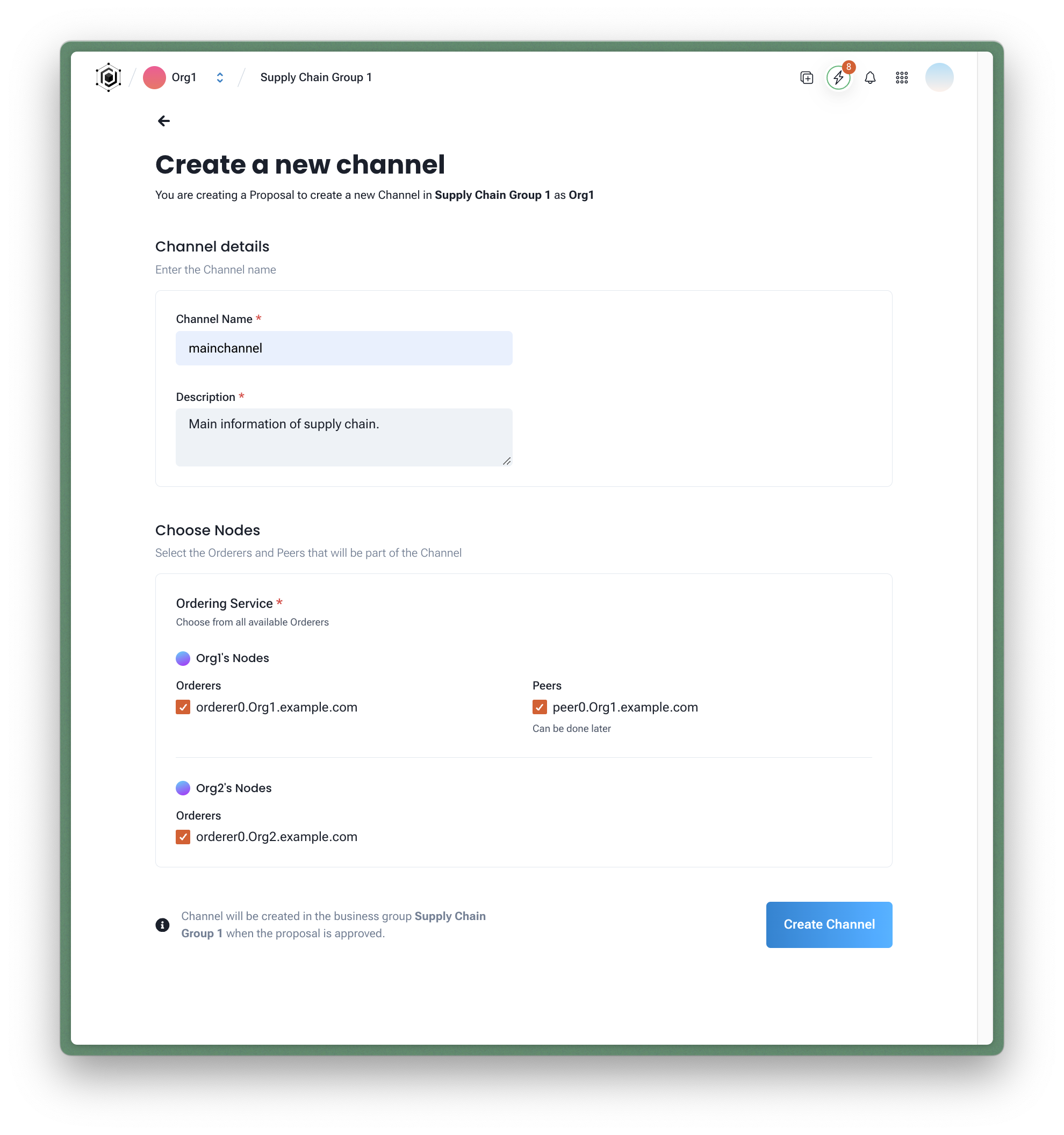
You will need to inform the following information:
- Channel Name: The name of the channel you want to create
- Description: A brief description of the channel
- Orderer: The orderer node that will be used to create the channel
- Peers: The peers that will be added to the channel (you can add more peers later). NOTE: other organizations' peers will be added to the channel when they accept the channel proposal.
After filling in the information, click on the Create Channel button to create the channel.
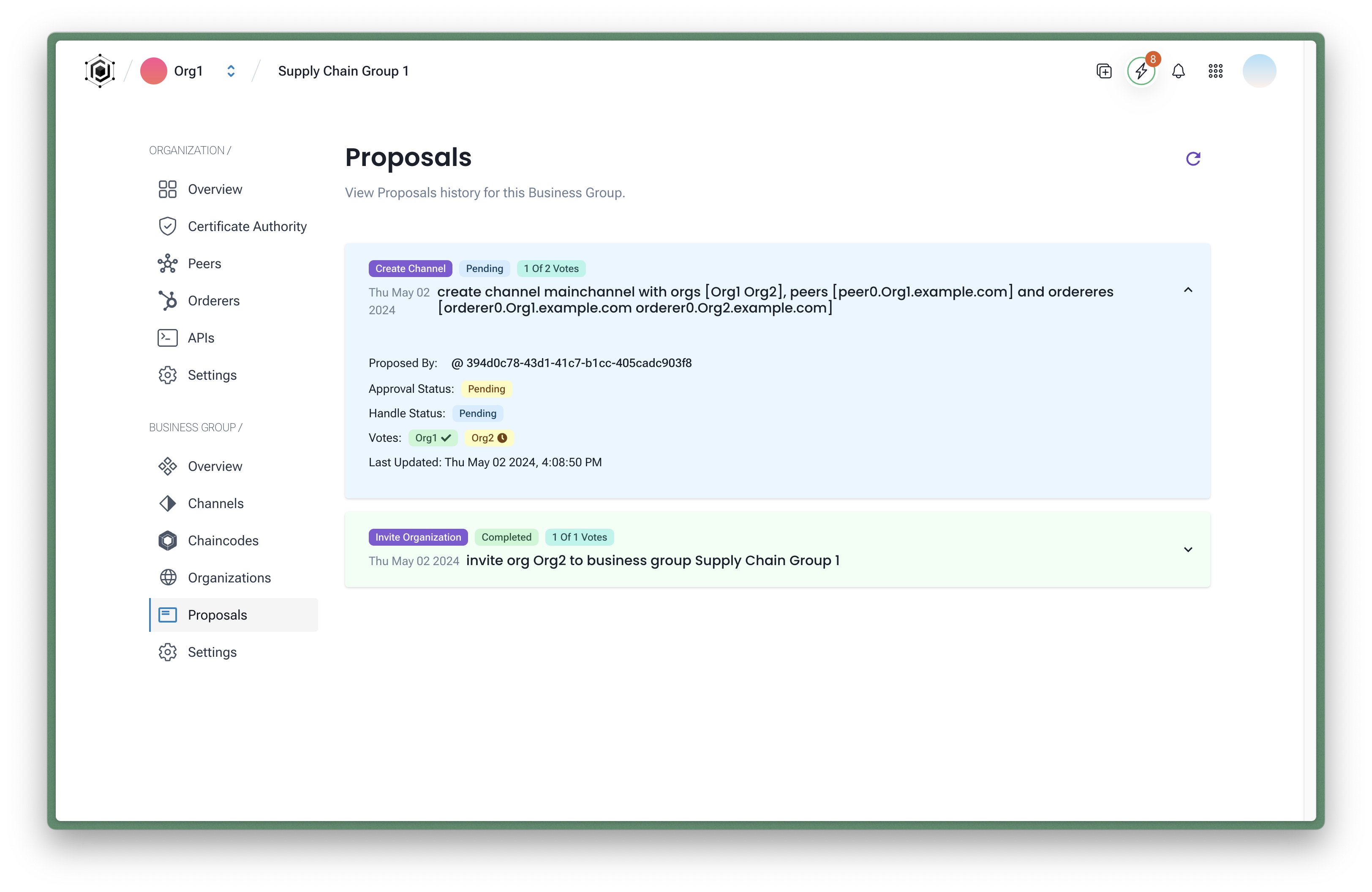
Once the proposal is created, the other organizations in the Business Group will see a notification on their Business Group page. They can then accept or reject the proposal. You can always check the status of the proposal on the Proposal page.
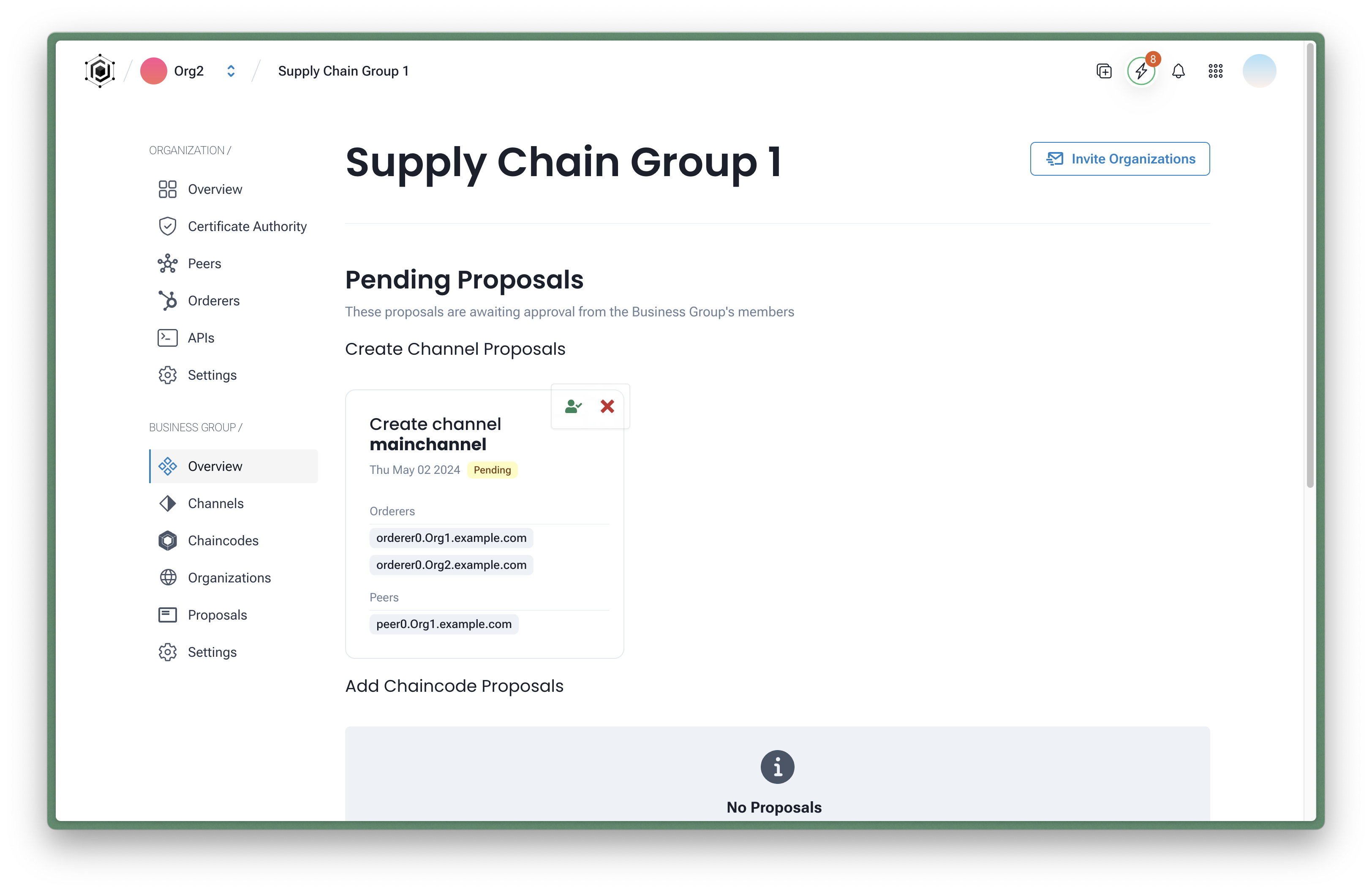
Accepting a Channel Proposal
When a channel proposal is created, the organization's administrators will see a notification on the Business Group page. To accept the channel proposal, simply click on the Accept button. You'll be prompted to confirm the action and select the peers that will be added to the channel.
Once the channel proposal is accepted by all organizations, the channel will be created and you'll be able to see it on the Channels page.
Troubleshooting
The channel proposal is stuck in "Pending" status Not all organizations have accepted yet. Navigate to the Business Group Proposals tab to see which organizations still have a pending action. Each organization admin must log in and explicitly accept the proposal.
"No orderer available" when creating a channel Your organization must have at least one orderer node created before creating a channel. See the Node Guide to create an orderer.
A peer was not added to the channel after accepting Each organization selects its own peers during the proposal acceptance step. If an organization skipped peer selection, they can add their peers to the channel later from the Channel Dashboard.
Next Steps
- Check the Chaincode Builder Guide section to learn how to create your first chaincode and deploy it to your network.